Enable sign-in (Bitbucket, GitHub and/or GitLab)
Out of the box the web UI is open and shows a banner saying so — nothing changes on upgrade until you opt in. Configure one or more providers; each renders as its own button on the login page.
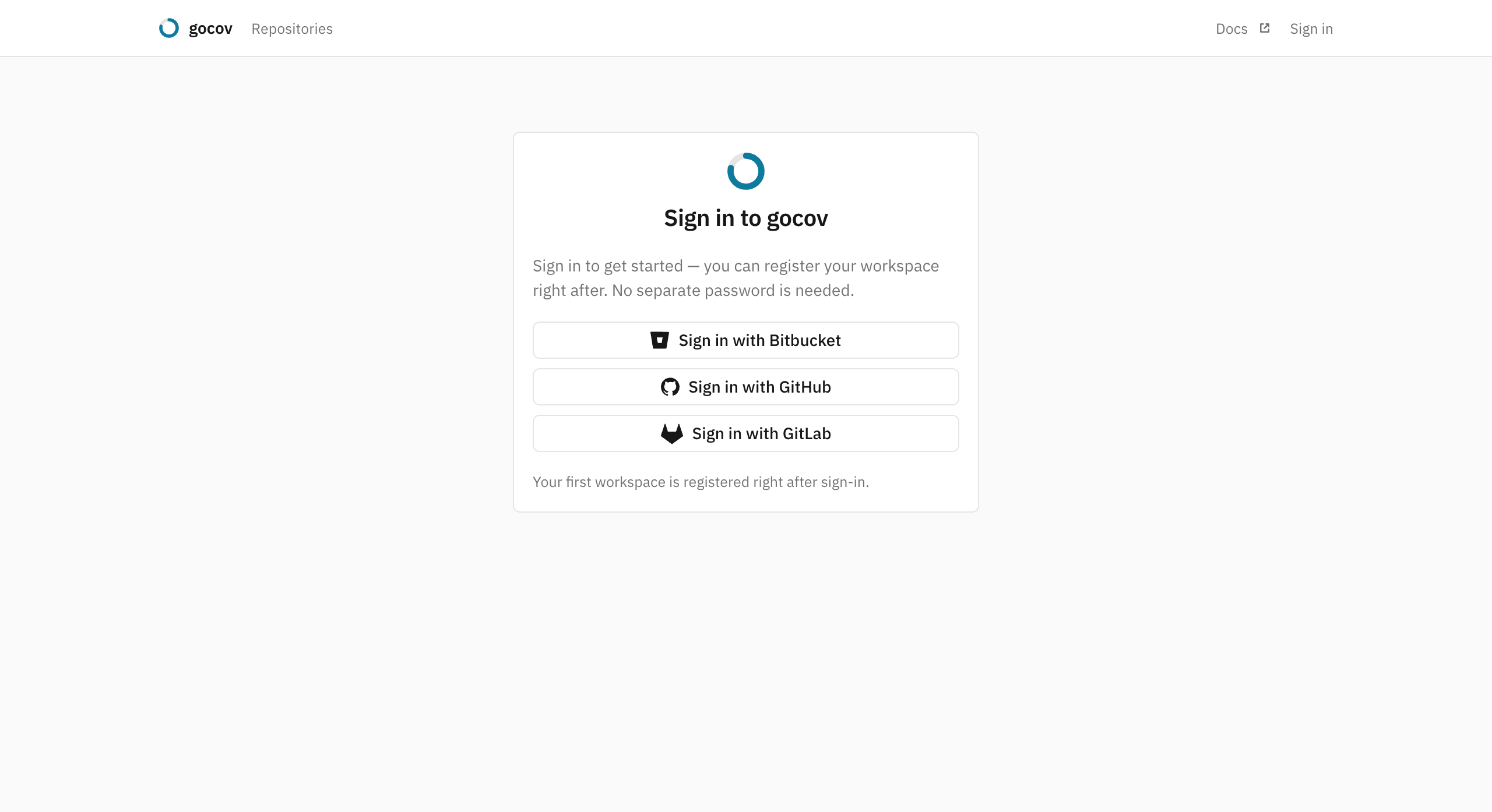
Bitbucket
- Create an OAuth consumer under Workspace settings → OAuth consumers → Add consumer with
- Callback URL:
https://your-gocov-host/oauth/bitbucket/callback(must be exactlyGOCOV_BASE_URL+/oauth/bitbucket/callback) - Permissions: Account: Read and Email only — nothing broader is needed
- Callback URL:
- Set the consumer's key and secret on the server:
GitHub
- Create an OAuth app under Settings → Developer settings → OAuth Apps → New OAuth App (on your account or org)
with
- Authorization callback URL:
https://your-gocov-host/oauth/github/callback
- Authorization callback URL:
- Set the app's client id and secret on the server:
gocov requests the read-only read:org and user:email scopes at login. Note that org members may need to
grant/request the app's access to the org once (GitHub's third-party application policy) for the org to appear in their
membership.
GitLab
- Create an OAuth application under Preferences → Applications (or on a group/instance) with
- Redirect URI:
https://your-gocov-host/oauth/gitlab/callback - Scopes:
read_userandread_apionly — nothing broader is needed
- Redirect URI:
- Set the application's id and secret on the server:
Membership is derived from the account's groups — subgroups included, each by its full path (group/subgroup) — plus
the username itself, so user-namespace projects admit their owner.
The access model
From then on every UI page requires signing in. Access is decided at login time by membership: by default, members of
any workspace/org the instance tracks (registered workspaces and the workspace part of registered repo slugs) on the
forge they sign in with may sign in, and everyone else gets a clear denial page; on GitHub the account's own username
also counts, so user-namespace repos admit their owner. Names are scoped per forge — tracking the GitHub org acme
admits nobody from a Bitbucket workspace that happens to be called acme. Set GOCOV_ALLOWED_WORKSPACES
(comma-separated workspace/org slugs, matched on every forge) to replace the derived set with an explicit list. Accounts are provisioned on
first successful sign-in — there is no user bookkeeping, and gocov never sees or stores passwords (the forge tokens are
discarded right after login).
What a signed-in account then sees mirrors that membership: the repo list is filtered to the workspaces the forge says it belongs to, and a direct link to another workspace's repo, upload or source page returns 404. Membership is re-derived at each login rather than per request, so removing someone on the forge removes their access at their next login; sessions last 30 days. There is no separate invite or member-management step — add someone to the workspace on the forge and they see its coverage when they next sign in. A single-team instance where everyone belongs to the same workspace is unaffected, as is one with sign-in left open.
Owners and members
Within a workspace there are two roles, and like membership they come from the forge rather than from gocov:
| Forge | Owner in gocov |
|---|---|
| GitHub | organization admin (owner) |
| GitLab | group Owner — Maintainer does not count |
| Bitbucket | workspace administrator |
An account's own namespace (its GitHub or GitLab username, its personal Bitbucket workspace) is always owned by it. Everyone else the forge lists is a member.
Members see everything: the repo list, reports, source views, and the workspace and repository settings pages read-only. Owners are the ones who change things — coverage gates and defaults, ignore patterns, the public-reports switch, connecting and disconnecting the forge, deleting a workspace or repository — and the only ones shown the upload tokens or allowed to rotate them. A member who needs the token asks an owner, or uploads tokenless where the CI allows it.
Roles are refreshed at every sign-in, the same moment as membership: promote someone to admin on the forge and they are an owner here after their next login, demote them and the controls close the same way. Nothing is managed in gocov, so there is nothing to keep in step. One consequence: a workspace whose forge admins have all been demoted has no owner until one of the new admins signs in.
Hosted mode (self-service signup)
GOCOV_MODE=hosted turns the instance into a self-service one: any forge account may sign in, and a user who belongs to
no tracked workspace lands on the workspace picker, which lists the workspaces their forge account is a member of
(captured at sign-in) with Create, Join or Open beside each. On GitHub, where the instance has an App, the
same screen is the App install instead: installing it registers the workspace. Creating a workspace seats the user as
its owner and mints its upload token, which owners can reveal — and rotate — in workspace settings from then on.
Creating one takes an owner's role on the forge, since it mints the token and makes a tenant; a
member sees the workspace marked as needing an owner and asks an admin to register it. Only workspaces the forge itself
reports for the account can be registered, so there is nothing to dispute: if a colleague registered your workspace
first, signing in simply makes you a member (or an owner, if the forge says so).
Registration lands on the new workspace's dashboard, where a Set up coverage card carries the forge-appropriate CI snippet — server URL filled in, token folded away behind it — and waits for the first upload.
The default (GOCOV_MODE=private) keeps exactly the behavior described above — self-hosted deployments upgrade
with zero change. Hosted mode requires at least one sign-in provider.
Bootstrapping a fresh private instance
A brand-new instance tracks no workspaces yet, so the derived allow-set is empty and no one could sign in. Set
GOCOV_ALLOWED_WORKSPACES to the workspace/org you want to track (e.g. GOCOV_ALLOWED_WORKSPACES=myorg)
so its members can sign in; the first member to sign in lands on the workspace picker and, if the forge lists them as
an admin of the workspace, creates it there, which mints its upload token. With an explicit GOCOV_ALLOWED_WORKSPACES,
sign-in stays pinned to that list no matter what gets registered later; leave it unset and the allow-set grows to
include every workspace registered from the UI. Signed-in users can register any workspace their forge account lists
them as an owner of.
CI is unaffected either way: the upload API keeps its Bearer tokens, badges stay embeddable, /healthz stays open.
Public report pages
Repos the forge reports as public additionally get anonymous read-only
report pages — owners can turn them off per repo in repo settings, and
GOCOV_PUBLIC_REPORTS=off turns the whole feature off for the instance, keeping every page behind the login wall.
An instance running inside a private network typically wants exactly that one switch.